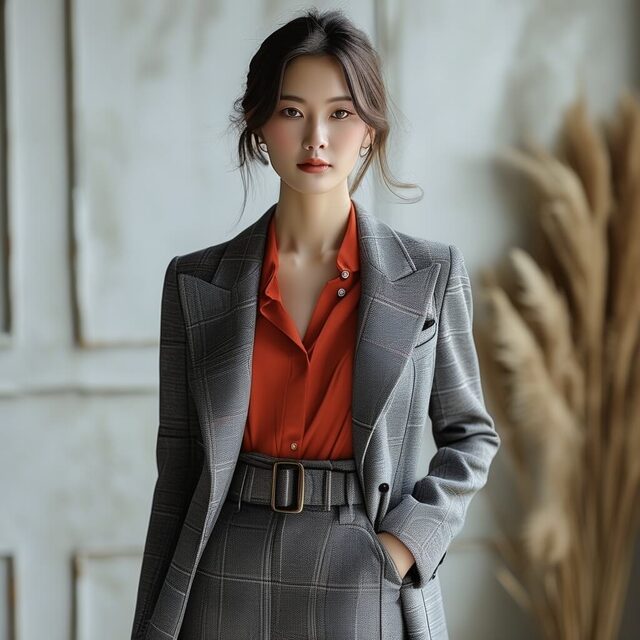
Hair, eyes, and background light move gently while the face stays natural.
Prompt-based image motion for creators and teams
Image to Animation AI
Turn a still image into a moving AI animation in seconds. Upload a photo, product shot, character, portrait, or piece of artwork, describe how it should move, and create a short animated video online without keyframes, timelines, or editing software.
- AI image animator
- Image to video AI workflow
- Free online preview
- No editing skills needed
Gallery
Image to Animation AI Gallery
A strong image to animation AI page should show what motion feels like before it asks people to read. These example directions are designed around the most common search intents: animate image AI, animate photo online, image animator free, and photo to video AI.
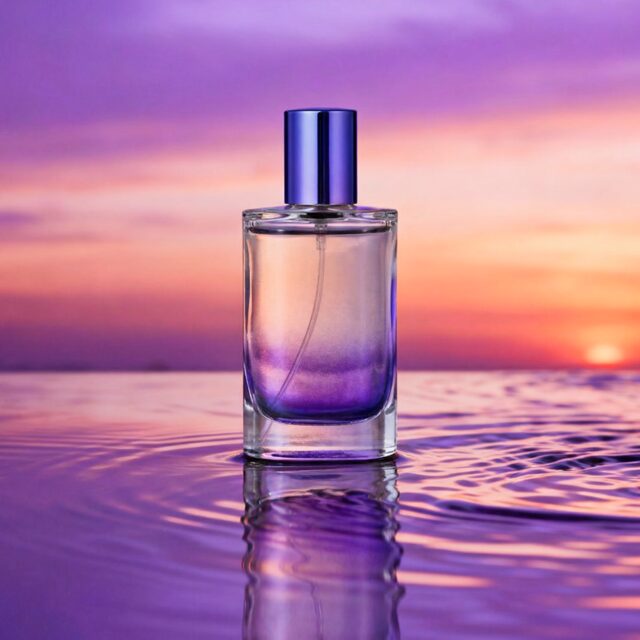
A static product image becomes a clean rotating ad clip for ecommerce.
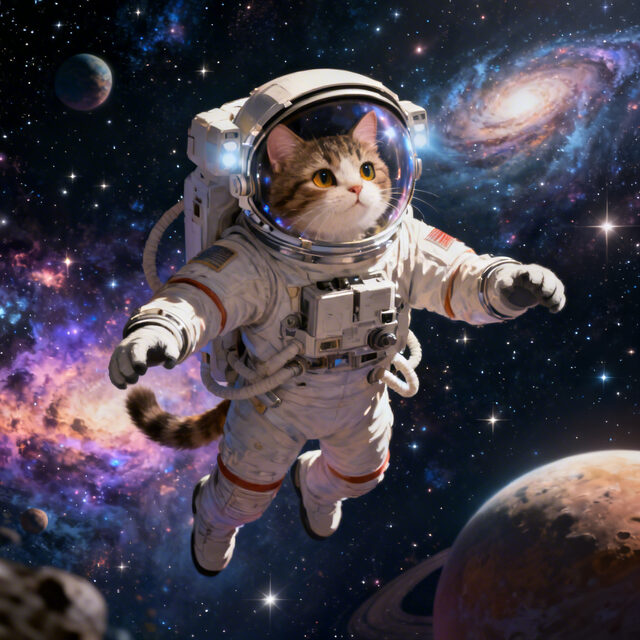
Anime art, mascots, and game characters gain expression and camera depth.
Family pictures and archived photos come alive with subtle, respectful movement.
One image turns into a short vertical animation for Reels, Shorts, and TikTok.
Illustrations and concept art become atmospheric AI image animation clips.
How to
Image to Animation AI: How to Animate an Image
The workflow is intentionally simple because most people searching for image to animation AI want a result, not a video editing lesson. Start with one image and guide the motion with plain language.
-
Upload your image
Choose a portrait, product photo, old family picture, avatar, digital painting, logo, or character artwork. Clear subjects and visible details usually produce the strongest AI animation.
-
Describe the motion
Write a short prompt such as "slow camera push in," "make the hair move in the wind," "turn this product slightly," or "add soft cinematic background motion."
-
Generate the animation
The AI image animator analyzes the still image, preserves the important subject, and creates a short animated video with motion, depth, and atmosphere.
-
Download and share
Export the image to animation result for ads, social media, landing pages, presentations, creative portfolios, or client previews.
Prompt examples for image to animation AI
Try prompts that describe one clear motion at a time: "make the portrait blink and smile," "add a slow handheld camera move," "turn this image into a looping product reveal," or "animate the background while keeping the subject stable." Specific prompts help the AI image animator produce cleaner movement than vague requests such as "make it cool."
Tools
Image to Animation AI Tools
Upload one image, write a required motion prompt, and generate a video through the local Python backend. The service stores each generation in SQLite with the input image path, prompt, creation time, and output video URL.
Checking local service...
Output
Generated video
The generated animation appears here after the API returns an output URL.
Ready for generation
Choose an image, write a prompt, then start the request.
Why choose us
Image to Animation AI Features Built for Fast Results
The best image to animation AI experience is fast, controllable, and easy to trust. It should help beginners create motion quickly while giving experienced creators enough control to match a campaign, mood, or visual style.
Fast AI animation
Generate animated videos from images without manual editing, frame-by-frame setup, or a complicated timeline.
Prompt-based control
Use plain language to guide the AI: camera movement, subject motion, mood, speed, and visual direction.
Online image animator
Animate images online from a browser. No desktop editor, plugin, or animation software is required.
High-quality output
Create smooth, shareable image to video AI clips for product pages, paid ads, social feeds, and portfolios.
Beginner friendly
Upload, prompt, generate. The workflow is simple enough for first-time users and fast enough for daily content work.
Flexible creative range
Use the same AI image animator for portraits, products, art, fashion, characters, landscapes, and memory photos.
Before / After
Image to Animation AI: Before and After
Drag the handle to compare the original still image with its AI animation.
Use cases
Image to Animation AI for Creators, Brands, and Everyday Stories
Content creators
Create short image animation clips for TikTok, Instagram Reels, YouTube Shorts, thumbnails, and teaser posts.
Ecommerce teams
Turn static product photos into motion assets for launch pages, paid social ads, marketplaces, and email campaigns.
Designers and marketers
Make campaign visuals feel more dynamic without handing every small request to a motion design team.
Artists and character creators
Animate illustrations, anime characters, concept art, profile images, and digital portraits for richer storytelling.
Families and memory keepers
Bring old photos and special moments to life with soft movement that feels personal rather than overproduced.
Educators and presenters
Use AI image animation to make slides, visual lessons, training material, and explainers easier to watch.
Reviews
Image to Animation AI Reviews
"I uploaded one product shot and had a polished animated clip ready before the ad copy was done. It felt much faster than editing from scratch."
"The prompt control makes it easy to animate exactly what I want. I use it for portraits, character art, and short social posts."
"This is the simplest image to video AI workflow I have tried. Upload, describe the motion, generate, and share."
Showcase
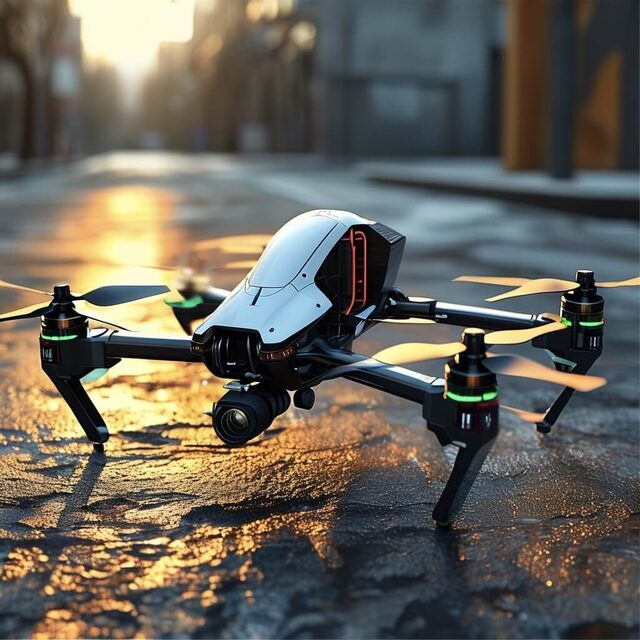
Made with Image to Animation AI
FAQ
Image to Animation AI FAQ
These answers cover the questions people ask before using an AI image animator, especially around free use, online workflow, prompts, and the difference between image animation and image to video AI.
What is image to animation AI?
Image to animation AI is a tool that turns a still image into an animated video. It uses artificial intelligence to add motion, depth, camera movement, expression, or atmosphere while preserving the original subject.
How do I animate an image online?
Upload your image, enter a motion prompt, choose a template if you want a faster start, and generate the animation in your browser. You do not need video editing software.
Can I use it as an AI image animator for photos?
Yes. You can animate portraits, product photos, old family photos, artwork, character images, and social media graphics.
Is image to animation AI the same as image to video AI?
They overlap. Image to animation AI focuses on making one still image move. Image to video AI can also include broader workflows such as text-to-video, multi-shot generation, or video editing.
What prompts work best?
Simple, visual prompts work best: "slow zoom in," "hair moving in the wind," "make the product rotate," "add cinematic camera movement," or "make the character smile softly."
Can I create image to animation free?
You can start with a free online preview or free credits if available. For production exports, watermark removal, or higher resolution, check the current plan details before publishing.
What images work best for AI image animation?
Images with a clear subject, good lighting, and enough background separation usually work best. Portraits, product photos, character art, fashion shots, food images, and illustrated scenes are all strong choices for image to animation AI.
Can I use image to animation AI for commercial content?
You can use AI image animation for product demos, ads, social content, and brand storytelling if your plan includes commercial rights and you own or have permission to use the source image.